
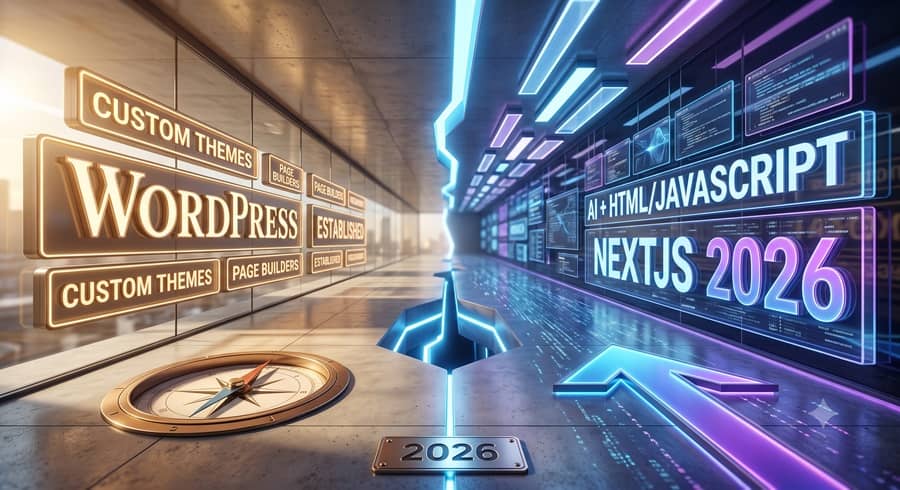
Redesigning Your Website in 2026: Stay with WordPress or switch to AI + HTML/JavaScript or NextJS?
If you’re running a small to mid-sized business and thinking about a website redesign in 2026, you’ve got more options than ever. It’s not just WordPress versus a custom build anymore. AI tools have changed what’s possible, and you need to understand how. The decision you make now impacts your team, your budget, and how you manage your online presence for years. I’ve been building websites since before WordPress was a common term, and for the last year and a half, I’ve been knee-deep in AI systems, seeing what they can really do for web development.
This isn’t about picking the flashiest new thing. It’s about picking the right tool for your business goals. We’ll look at the practical differences between staying with WordPress, going with a site built purely with AI-assisted HTML/JavaScript, or using a framework like NextJS.
WordPress: The Established Workhorse
WordPress powers a huge chunk of the internet. According to CMS market share data from W3Techs, it runs over 40% of all websites. That’s a massive footprint, and it brings a lot of benefits. For many small and mid-sized businesses, it’s still the default choice, and for good reason.
Why WordPress Keeps Its Edge
The main strength of WordPress is its ecosystem. There are thousands of themes and plugins available. Need an e-commerce store? WooCommerce integrates right in. Want to improve your search engine rankings? Plugins like Yoast SEO or Rank Math help a lot with the technical SEO side. For someone who needs to update content daily without touching code, a WordPress backend is usually straightforward. My team at 2Surge has built over 500 websites, and a significant number of them are on WordPress because it often makes the most sense for the client’s internal team.
Another point for WordPress is talent availability. It’s relatively easy to find developers and designers who know WordPress. This helps with ongoing maintenance, updates, and adding new features down the road. If you’re not planning to have an in-house developer, this access to a broad talent pool is a major plus. It’s also generally more cost-effective for initial setup compared to a completely custom, from-scratch application.
The Downsides of WordPress in 2026
While WordPress is solid, it has its drawbacks, especially when you compare it to newer approaches. Performance can be a big one. Because it’s a dynamic system that pulls content from a database and often loads many plugins, WordPress sites can be slower if not optimized correctly. We spend a lot of time on managed website hosting ensuring our WordPress sites are fast, but it’s a constant battle against bloat from themes and plugins.
Security is another common concern. With its popularity comes a larger target for hackers. Keeping plugins and themes updated is critical for website security essentials, and if you fall behind, you open yourself up to risks. This is where good managed hosting and proactive maintenance become non-negotiable.

Finally, there’s the flexibility question. While plugins offer a lot, they can also limit truly custom functionality. If you have a very specific business process or unique user experience you want to build, you might find yourself fighting against the WordPress architecture. Customizing a plugin or theme can sometimes be more work than building something from the ground up, and updates can break your custom code.
AI-Generated HTML/JavaScript: The “Static” Site Renaissance
This is where things get really interesting, and it’s an option many businesses aren’t considering as a primary path yet. With AI tools like Claude Code, Qwen Code, and even GPT-4, you can generate clean, semantic HTML, CSS, and JavaScript. The idea here isn’t to build a traditional “dynamic” site with a database and backend content management system, but a “static” site that’s incredibly fast and secure.
How AI Changes the Development Process
Instead of manually coding every element or picking a theme, you describe what you want to an AI model. You can say, “Generate a three-column layout for a service business, with a hero section, testimonials, and a contact form,” and it will produce the code. You can iterate on this, asking for changes like, “Make the buttons blue and round,” or “Add a subtle animation to the hero image.”
The output is usually plain HTML, CSS, and JavaScript. No database, no WordPress backend, no plugins to update. The site files are simply served directly to the browser. This means incredible speed and far fewer security vulnerabilities, because there’s no server-side logic to exploit. For a local service business, like an HVAC company in Plano or a roofing contractor in Frisco, where lead generation and clear information are paramount, a lightning-fast static site can be a huge advantage for SEO and user experience.
The Upside of AI-Assisted Static Sites
- Speed: Static sites are inherently fast. They don’t need to query a database or run complex server-side code for every page load. This is a big win for user experience and SEO. Google likes fast sites.
- Security: With no database, no plugins, and no complex server-side application, the attack surface is significantly smaller.
- Cost-Effective Hosting: You can host these sites on incredibly cheap platforms, often for free, using services like Netlify, Vercel, or even basic S3 buckets.
- Customization (Initially): In the initial build, AI tools can give you a highly customized design without the constraints of a theme.
The Big Catch: Content Management and Future Updates
Here’s where the rubber meets the road. Once that AI generates your HTML/CSS/JS site, how do you or your non-technical team update the content? If you want to change a paragraph of text, add a new service, or update a price, you have to go back into the code. This means either you learn basic HTML, or you pay someone like us for every single content change.
For a business that rarely updates its website, this might be fine. But if you’re blogging weekly, adding new products, or changing service descriptions often, this becomes a major bottleneck. The original AI context that built the site might be gone, making it harder for even a developer to pick up where the AI left off and generate new, consistent code. This is a very real operational issue for any small business. We deal with clients who need custom website design but also need a way to manage their blog posts easily.
This approach works best for very simple informational sites, landing pages, or businesses with extremely stable content. It’s a trade-off: maximum speed and security for minimum ongoing editability by non-technical staff.
NextJS (or Similar Frameworks): The Modern Web Application
NextJS, built on React, represents a different philosophy. It’s a JavaScript framework that allows developers to build highly dynamic, component-based web applications. While often used for complex applications, it’s also gaining traction for marketing websites. Other frameworks like NuxtJS (Vue) or SvelteKit are in the same vein.
The Power of Component-Based Development
With NextJS, your website is broken down into reusable components. Think of a navigation bar, a product card, or a testimonial block as individual components. This makes development highly modular and efficient. AI tools can also generate these components, significantly speeding up the initial development. I’ve used Claude Code to generate specific React components that would have taken hours to code by hand.
NextJS supports both server-side rendering (SSR) and static site generation (SSG). This means you can get the benefits of a super-fast static site for your main marketing pages, but still have dynamic features like e-commerce carts or user logins that interact with a database. This flexibility is a huge advantage. For businesses in Dallas or McKinney looking for advanced features paired with top-tier performance, NextJS is a strong contender.
Advantages of NextJS
- Performance: Like static sites, NextJS can produce incredibly fast websites, often leading to better SEO and user experience.
- Scalability & Flexibility: It’s designed for complex applications and can scale with your business needs. If you foresee adding custom integrations, a user portal, or advanced e-commerce features, NextJS handles it well.
- Developer Experience: Modern JavaScript developers generally prefer working with frameworks like NextJS. This helps with attracting talent for ongoing web development services.
- AI Integration: AI can be used not just to generate components, but also to build out API endpoints or even help with data models.
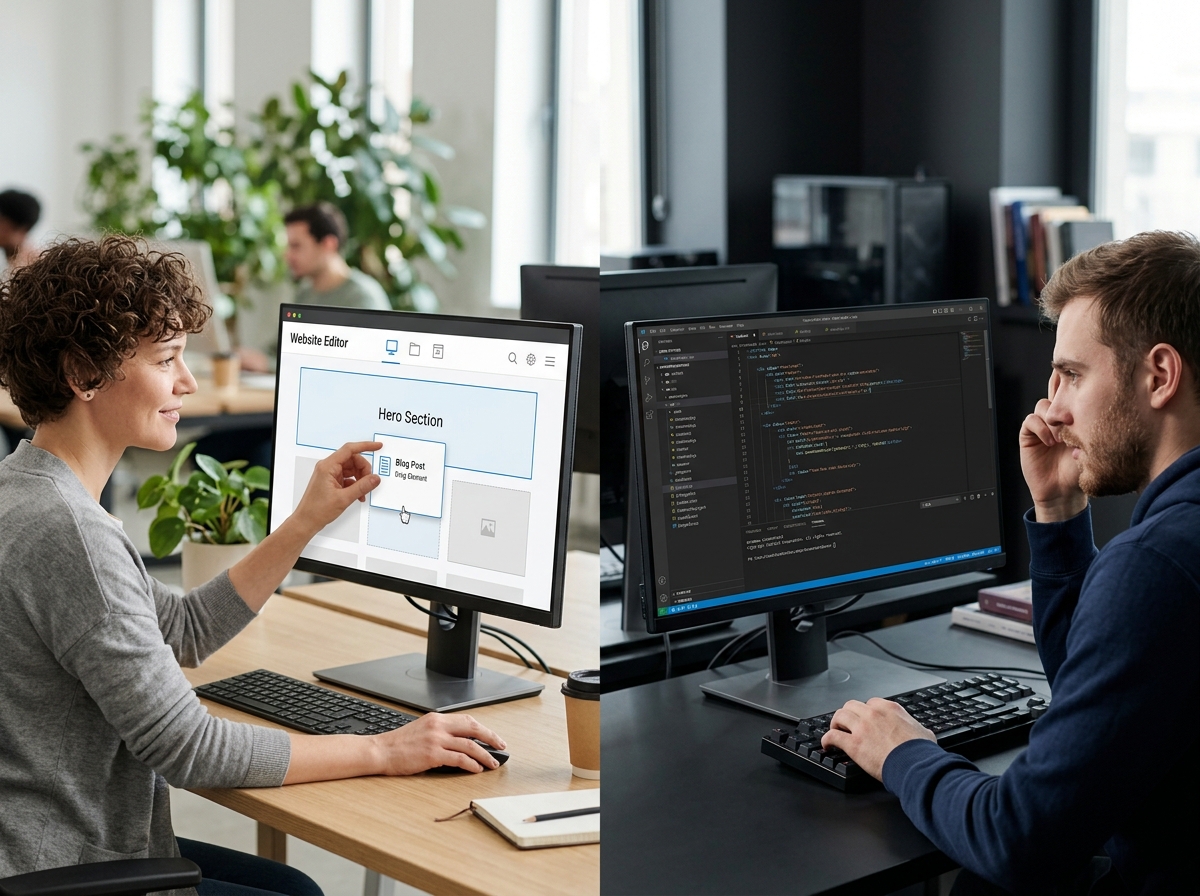
The Trade-offs for Small to Mid-Sized Businesses
The biggest hurdle for small to mid-sized businesses with NextJS is complexity. These are developer-centric tools.
- Higher Initial Cost: Building a NextJS site usually requires more specialized developers, meaning a higher initial investment than a WordPress site.
- Content Management: While you can integrate a “headless CMS” (like Strapi, Sanity, or Contentful) with NextJS, this adds another layer of complexity and cost. A headless CMS provides a backend for content editing, but the frontend (your NextJS site) pulls that content via an API. It’s a more modern approach, but it means managing two systems instead of one.
- Ongoing Maintenance: You’ll need access to developers familiar with JavaScript frameworks for updates and new features. This can be more expensive than finding someone to fix a WordPress issue.
Making Your Decision for 2026
So, how do you decide? It comes down to your priorities for content management, budget, performance, and long-term flexibility. Here’s a quick comparison:
| Feature | WordPress | AI-Generated HTML/JS | NextJS |
|---|---|---|---|
| Content Editing by Non-Tech Staff | Excellent (built-in CMS) | Poor (requires code changes) | Good (with headless CMS, extra setup) |
| Initial Development Cost (SMB) | Low to Moderate | Moderate (depends on AI use) | Moderate to High |
| Ongoing Maintenance Cost (SMB) | Moderate (updates, security) | Low (if content is stable) | Moderate to High (developer-dependent) |
| Performance | Good (if optimized) | Excellent | Excellent |
| Security | Moderate (requires vigilance) | Excellent (fewer moving parts) | Excellent (fewer moving parts) |
| Flexibility for Custom Features | Moderate (plugin-dependent) | Limited (static nature) | Excellent (framework-based) |
Here’s what I tell people when they ask me about their redesign options:
- If your priority is easy content management for a non-technical team, and you need a wide range of standard features (blog, e-commerce, forms) without heavy customization: Stick with WordPress. It’s proven, the ecosystem is vast, and your marketing team will be able to add a blog post or change a product description without calling a developer. The initial setup and training are usually simpler. We often recommend WordPress for small businesses in Celina or Anna that need to manage a lot of changing content but don’t have an in-house tech person.
- If your site is mostly static, informational, updates very rarely, and maximum speed/security are critical, and you’re okay with paying a developer for every content change: Consider an AI-generated static HTML/JS site. This is a niche, but for a business that basically has an online brochure, it can be a lean, fast option. Just be honest about your content update needs. If I were building a simple landing page for a new service or a basic online portfolio, I’d seriously look at this path.
- If you need a highly custom web application, advanced integrations, or features that go beyond what a typical CMS offers, and you have the budget for specialized developers (either in-house or agency-based): Go with NextJS or a similar modern framework. You’ll get the performance and flexibility, but you need to factor in the higher development cost and the complexity of integrating a headless CMS if you need content editing capabilities. This is often the route for companies that need custom web applications or advanced user experiences.
Thinking About AI’s Role in Your Decision
AI isn’t a website platform itself; it’s a powerful tool that changes how you build websites.
For WordPress, AI can help you write better content for your blog posts (using tools like Clearscope or Surfer SEO), generate plugin configuration code, or even help debug issues. It doesn’t replace the core WordPress system, but it makes working within it more efficient.
For HTML/JS and NextJS, this is where AI really shines in development. It can generate entire sections of code, suggest styling, help write complex JavaScript functions, and even scaffold out database schemas. We use tools like Claude Code and Qwen Code daily to accelerate our development work, taking tasks that used to take hours and reducing them to minutes. This can significantly reduce the development time and cost, making these more advanced options more accessible.
When you’re evaluating partners, ask them how they’re using AI. Are they just talking about it, or are they actually running it day-to-day on projects? Knowing how to effectively prompt an AI model for clean code is a skill, and it can translate into faster delivery and potentially lower costs for you. This is one of the reasons to consider hiring an AI consultant or agency who understands these capabilities.
Your website is a business asset, not a hobby project, so don’t let hype pick it for you. I’ve watched clients fall in love with a shiny NextJS demo and then panic six months later when they need a headless CMS developer just to fix a typo. I’ve also watched clients stick with WordPress out of habit when their business genuinely outgrew it. Neither mistake is cheap. Figure out who’s actually going to touch this site after launch, what your real budget looks like over three years (not just at signing), and how fast your content changes. That answer tells you which of these three paths is yours.
About the Author