
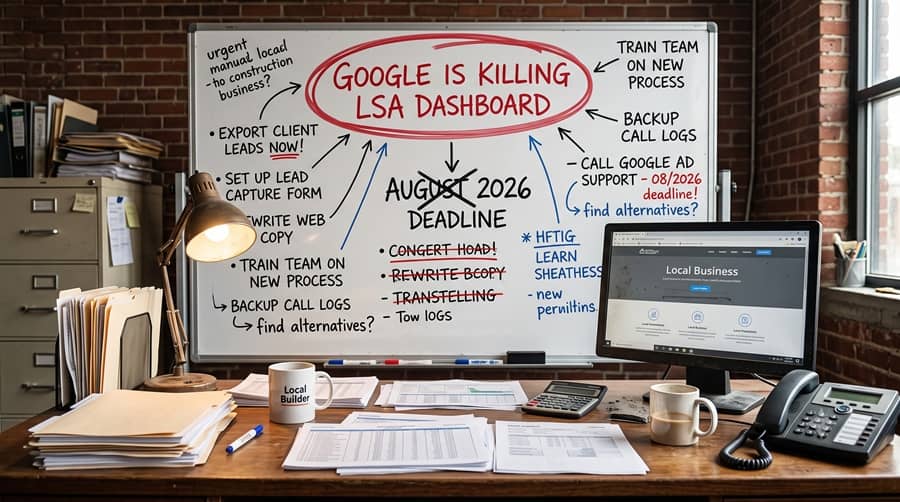
Google Is Killing the LSA Dashboard: What Every Local Business Must Do Before August 2026
If you run a local service business in North Texas (plumbing, HVAC, electrical, locksmith, garage door repair, legal services, or anything similar), you’re probably using Google Local Services Ads (LSA). For years, LSA has been a straightforward way to get leads. You verified your business, set a budget, and Google handled the rest. It was, for many, a “set it and forget it” kind of ad product. Well, that’s about to change in a big way.
Google is shutting down the dedicated LSA dashboard. Starting in August 2026, all Local Services Ads campaigns will migrate directly into Google Ads, running as a specialized type of Performance Max campaign with pay-per-lead goals. This isn’t a UI refresh. It changes how these ads are managed, tracked, and optimized. For businesses that treated LSA as a hands-off solution, this shift means you’ll need to understand Google Ads in a way you never had to before.
Why This Matters: Moving from Simple to Strategic
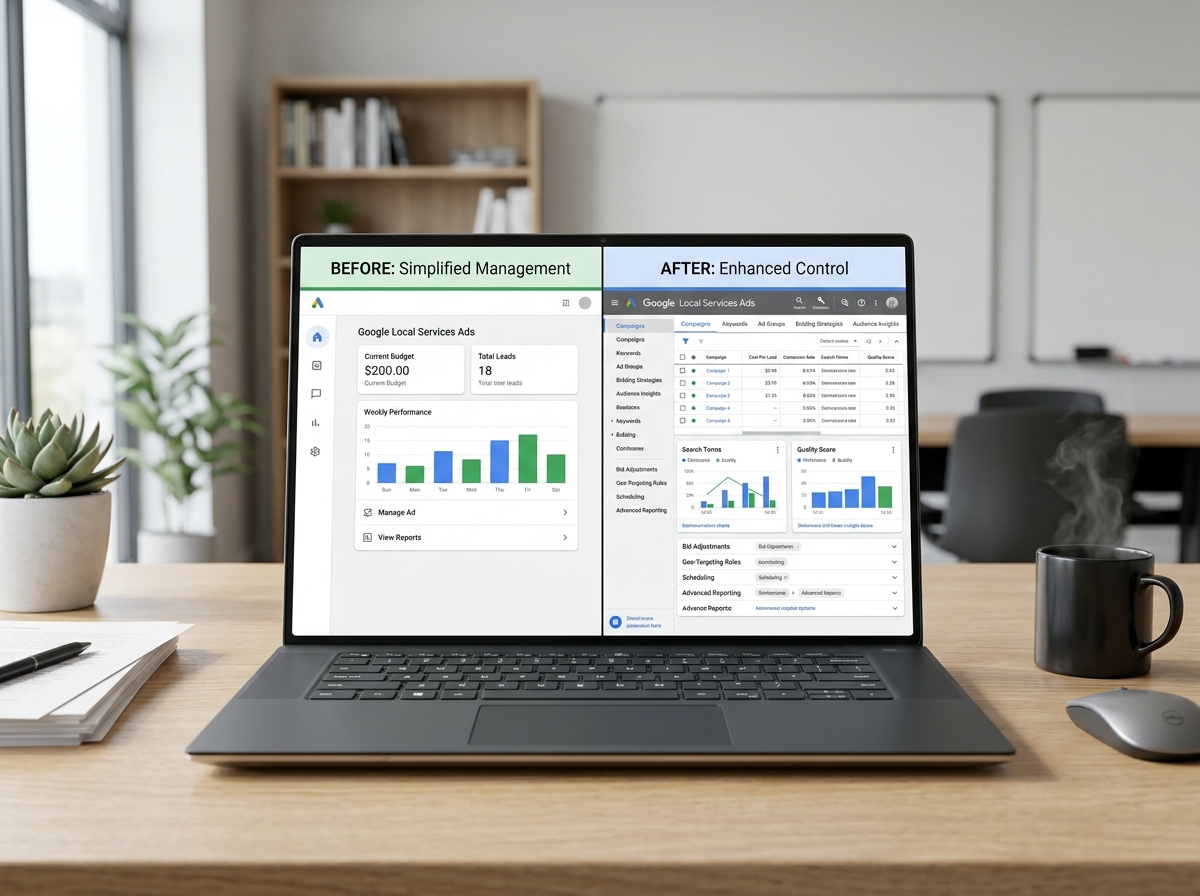
The old LSA dashboard was simple by design. You had an inbox for leads, some basic budgeting controls, and the ability to dispute bad leads. That was it. It worked well for many, offering a low barrier to entry for local businesses to get in front of potential customers without needing deep ad management experience.
Now, with LSA moving into Google Ads, those simplified controls are going away. Your LSA campaigns will inherit the complexity and power of the Google Ads platform. This means more control, yes, but also a steeper learning curve if you’re not familiar with how Google Ads works day-to-day. You’ll be dealing with bid strategies, daily budgets that behave differently, and a unified Target CPA goal across your services.
For years, we’ve managed LSA accounts for our clients here at 2Surge Marketing. We’ve always treated them as an integral part of a broader Google Ads strategy. This migration isn’t a surprise to us; it’s a natural evolution of Google consolidating its ad products. What it does mean is a lot of proactive work to ensure our clients’ accounts transition smoothly and continue to perform without interruption.
The Phased Rollout and What Stays the Same
Google is rolling this out in phases, starting in August 2026. This gives businesses some time, but it’s not time to wait around. The core promise of LSA, connecting local businesses with customers searching for their services, remains. You’ll still get screened leads, and the “Google Guaranteed” or “Google Screened” badges aren’t going anywhere. You’ll still pay per lead, not per click. The biggest change is how you manage those leads and campaigns.
Google’s own guidance explains the transition to Performance Max campaigns with pay-per-lead goals. This means your LSA campaigns will essentially become a specific flavor of Performance Max, which is Google’s automated, goal-based campaign type designed to show your ads across all Google channels. The pay-per-lead model will be a unique aspect within Performance Max for these LSA campaigns.
Before August 2026: Your Essential Checklist
This transition requires action. Ignoring it means potentially losing historical data, mismanaging budgets, or seeing a drop in lead quality. Here’s a breakdown of what you need to do, especially if you’ve been running LSA on autopilot.
- Export Historical Data: The old LSA dashboard has valuable historical lead data, performance metrics, and dispute records. Google has stated that this data will not automatically transfer to Google Ads. You need to export it before the dashboard is deprecated. If you’ve been running LSA for years, this is critical for understanding past performance and making future decisions. Don’t assume it’ll just be there.
- Review Multi-Vertical Accounts: This is a big one. Many businesses, especially those offering related services, might have run a single LSA profile covering multiple verticals. For example, an HVAC company might have offered both “AC Repair” and “Heating System Installation” under one LSA profile. When these campaigns move to Google Ads, they’ll operate under a unified Target CPA goal. This means Google Ads will try to get you leads across all those services for a single average cost.
-
- Split Multi-Service Campaigns: If you have different services with vastly different profit margins or lead values (e.g., emergency plumbing vs. water heater installation), you need to split these into separate LSA campaigns before the migration. This lets you set distinct Target CPAs and manage budgets independently for each service once they’re inside Google Ads. Trying to run multiple, disparate services under one Target CPA can lead to Google prioritizing cheaper, lower-value leads. We structure Google Ads campaigns carefully for our clients for exactly this reason.
-
- Understand Google Ads Bidding and Budgets: If you’re new to Google Ads, start learning the basics of daily budgets, bid strategies, and how they interact. Performance Max is largely automated, but you still need to understand the levers you have available. A daily budget in Google Ads means something different than the old LSA weekly budget.
Managing LSA Campaigns in Google Ads: What Changes Day-to-Day
Once your LSA campaigns are operating within Google Ads, the day-to-day management shifts. It’s no longer just about checking an inbox; it’s about active campaign management.
Here’s how some key areas will change:
| Feature | Old LSA Dashboard | New Google Ads (Performance Max with PPL) |
|---|---|---|
| Lead Inbox | Dedicated LSA inbox for all leads | Leads route through Google Ads Lead Manager |
| Budgeting | Weekly budget, simple toggles | Daily budget with automated spending optimization |
| Bidding Strategy | Google sets bids automatically | Performance Max optimizes toward Target CPA goal |
| Reporting | Basic lead volume, cost per lead | Comprehensive Google Ads reporting, audience insights |
| Lead Disputes | Directly dispute in LSA dashboard | Similar process, but managed within Google Ads interface |
Converting Daily Budgets and Bid Strategies
The shift from weekly to daily budgets means you need to adjust your thinking. If you had a $500 weekly budget on LSA, you’ll likely need to set a daily budget of around $71 in Google Ads. However, Google Ads allows for daily spending fluctuations, sometimes spending up to twice your daily budget on any given day, then balancing out over a month. This flexibility can be a shock if you’re used to the strict weekly limits of the old LSA system.

The Target CPA (Cost Per Acquisition) goal is central to Performance Max. This tells Google how much you’re willing to pay, on average, for a qualified lead. If you’ve got campaigns for “emergency plumbing” and “drain cleaning” both running in one LSA account right now, and one lead type is worth a lot more to you, splitting them out before the migration gives you granular control over the CPA you set for each. This is fundamental to effective Google Ads strategy.
How 2Surge Approaches This Transition
For our clients, we’re not just waiting for August 2026. We’re actively migrating LSA accounts. This means:
- Data Export & Archiving: We’re making sure all historical LSA performance and lead data is exported and safely archived for every client account we manage.
- Strategic Campaign Restructuring: For any client with multi-vertical LSA accounts, we’re working to split these into separate campaigns where appropriate, ensuring each service can be managed with its own budget and Target CPA. This aligns with our existing approach to structuring Google Ads campaigns for ROI.
- Proactive Google Ads Integration: We’re ensuring that once these LSA campaigns land in Google Ads, they’re not just left on autopilot. They become part of our active Google Ads management process. This includes daily budget monitoring, bid strategy adjustments, continuous lead quality disputes (which now happen within the Google Ads Lead Manager), and detailed reporting that ties into overall business goals. This is exactly what we do for any actively managed Google Ads account.
This kind of proactive management matters. If you just let your LSA campaigns migrate without intervention, you could find yourself with a poorly optimized Performance Max campaign trying to hit a single CPA goal across all your services. This usually means wasted ad spend and lower-quality leads.
Don’t Wait Until It’s Too Late
The August 2026 deadline might seem far off, but getting your LSA house in order takes time, especially if you need to restructure campaigns and learn a new interface. This isn’t a change that favors a “wait and see” approach. The businesses that come out ahead will be those that prepare now.
Think of it this way: LSA used to be a separate tool with a simple on/off switch. Now, it’s becoming a module within a much more powerful, but also more complex, machine: Google Ads. If you don’t know how to operate that machine, you’ll be at a disadvantage. If you’re a local business owner feeling overwhelmed by this, you’re not alone. Staying on top of Google Ads strategy, especially with these kinds of platform changes, is a full-time job. We cover a lot of these topics in our Google Ads coverage.
The real lesson here: online advertising this important doesn’t manage itself, whether it’s LSA today or whatever Google folds together next. If you want a better understanding of how these changes affect your specific accounts, talk to our team. For every local business running LSA, this isn’t a technical footnote. It’s the difference between an account that gets managed and one that runs on whatever Google’s automation decides is good enough.
About the Author